Level Up Your Data Analysis from Your Command Line
Connecting DuckDB to Google Sheets!
Apr, 2025
Jesus LM
Economist & Data Scientist
Source: https://www.arecadata.com/sql-for-google-sheets-with-duckdb
Introduction
Tired of downloading CSVs and juggling spreadsheets for your data analysis? Want the power of a lightning-fast, in-process analytical database without the complex setup? Then it’s time to unlock the magic of connecting DuckDB directly to your Google Sheets!
DuckDB is a phenomenal open-source analytical data management system. It’s incredibly fast, lightweight, and can run directly within your Python environment (or other languages). Combining its power with the accessibility and collaborative nature of Google Sheets opens up a world of possibilities for streamlined and efficient data analysis.
DuckDB & Google Sheets: A Game Changer
Real-time Data Access
No more manual exporting and importing! DuckDB can directly query the data in your Google Sheet, ensuring you’re always working with the latest information.
Leverage DuckDB’s Analytical Power
Perform complex SQL queries, joins, aggregations, and window functions on your Google Sheets data with DuckDB’s blazing-fast engine. This goes far beyond the basic formulas available in spreadsheets.
Simplified Data Pipelines
Automate your analysis workflows by directly pulling data from Google Sheets into your DuckDB scripts. This reduces manual steps and potential errors.
Collaboration & Analysis in One Place
Maintain the collaborative benefits of Google Sheets for data collection and sharing, while empowering analysts with DuckDB’s robust analytical capabilities.
Scalability Beyond Spreadsheets
Handle larger datasets more efficiently than you could within Google Sheets alone. DuckDB can process significantly more data with greater speed.
Reproducible Analysis
Your analysis code in DuckDB becomes a clear and reproducible record of how you processed the data from your Google Sheet.
How to Connect DuckDB to Google Sheets
Using CLI
- Install duckdb to your terminal
curl https://install.duckdb.org | sh- Open duckdb in your terminal
duckdb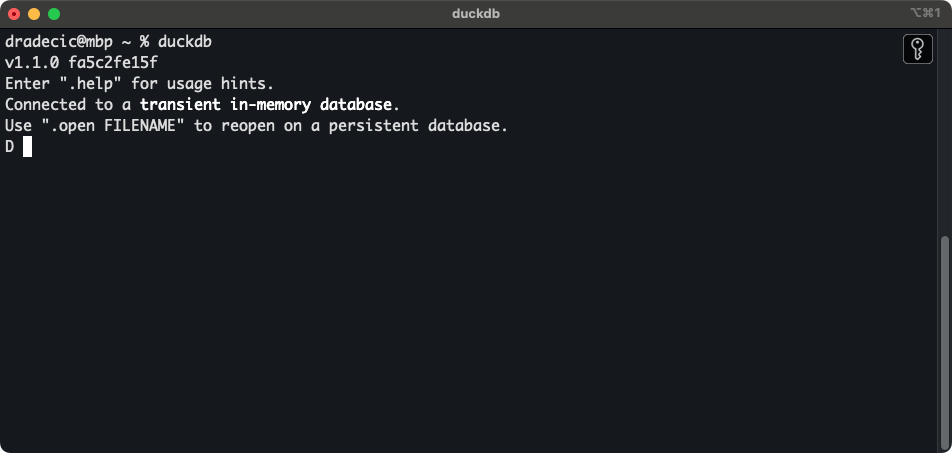
- Install gsheets
install gsheets from community;
load gsheets;- Obtain gsheets url
https://docs.google.com/spreadsheets/d/YOUR_SHEET_ID/edit#gid=YOUR_TAB_IDYou will just need: YOUR_SHEET_ID
- Connect to gsheets
create secret (type gsheet, provider oauth);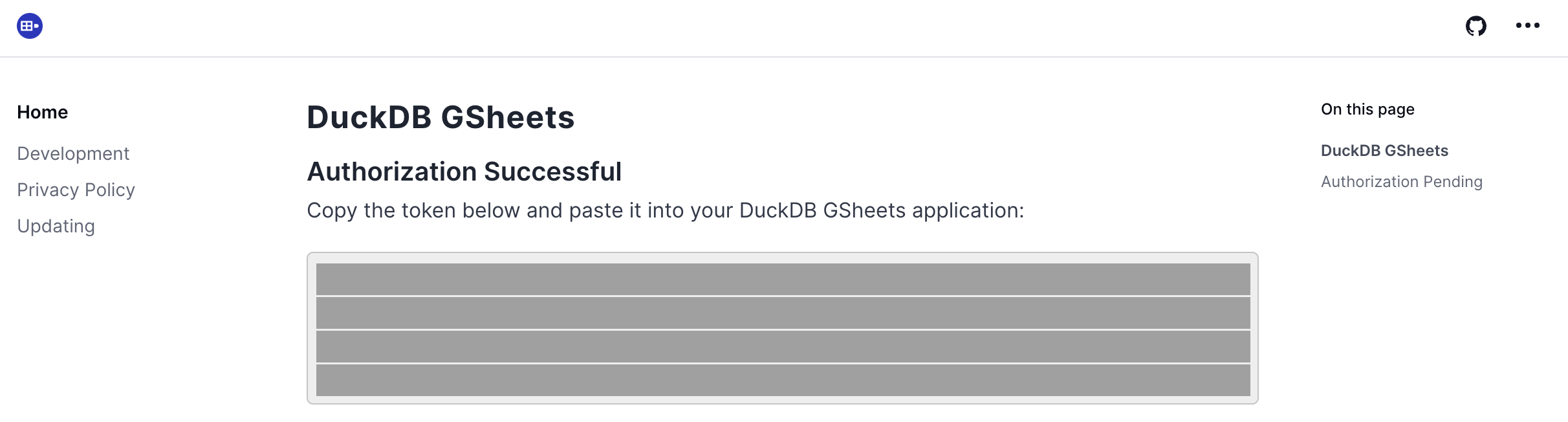
- Run your query
SELECT current_job_title,
round(avg(try_cast(base_salary as int))) as avg_salary
FROM read_gsheet('YOUR_SHEET_ID', sheet='titles')
WHERE currency = 'USD'
AND state = 'Texas'
GROUP BY current_job_title
ORDER BY avg_salary DESC;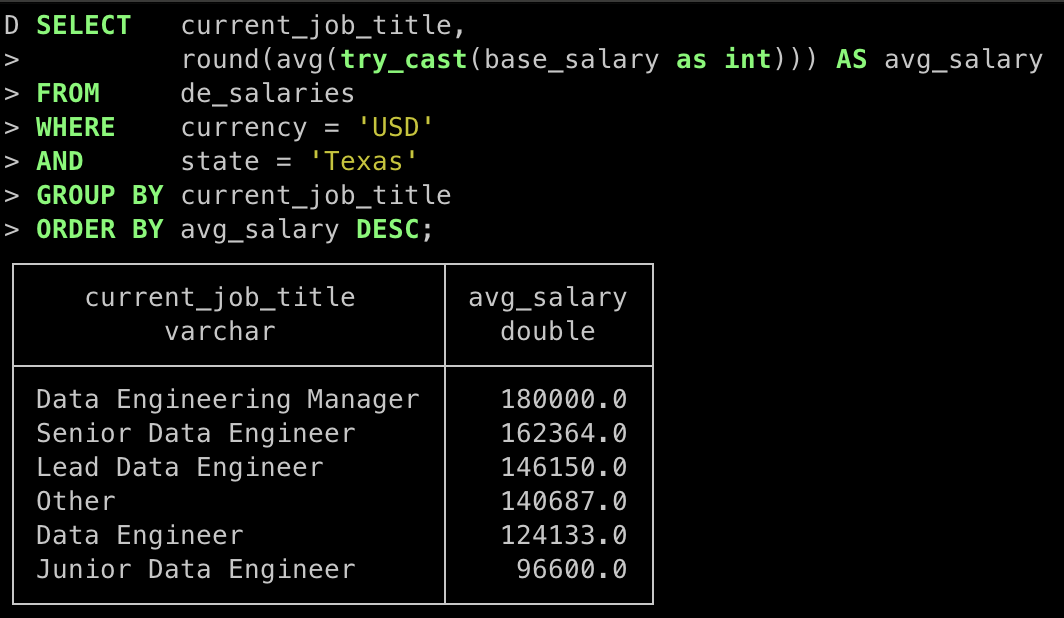 Source: https://www.arecadata.com/sql-for-google-sheets-with-duckdb
Conclusions
Connecting DuckDB to Google Sheets is a powerful and convenient way to enhance data analysis workflows. It brings the speed and analytical capabilities of an in-process OLAP database to the familiar environment of Google Sheets. While there are some setup and authentication considerations, the benefits of using SQL for spreadsheet data and the ability to read and write data directly make this integration a valuable tool for data professionals and anyone working with data in Google Sheets.
References
- Duckdb (n.d.) DuckDB GSheets Tutorial
- Palma, D (2024) SQL for Google Sheets with DuckDB Analyze data in Google Sheets using SQL with DuckDB. Areca Data. Retrieved from website.
Contact
Jesus LM
Economist & Data Scientist